Key Takeaways
- Text to SQL can be used to eliminate the repetitious part of the data backlog. Salesforce research shows that just 49% of business leaders could make timely insights, and 93% said they could improve if they could ask data questions using natural language.
- The accuracy is not only model-specific but also depends on the business context. The BIRD benchmark shows the top-performing system with execution accuracy of 82.95% compared to 92.96% for data engineers and database students.
- Trust comes from showing the working. A study by dbt Labs of 363 data practitioners and leaders reveals that 71% of respondents have experienced data hallucination or errors reaching stakeholders.
Yes, for most of the fast questions that take up a data team’s week, and no for the more in-depth questions that those questions displace. With Text-to-SQL for business users , a sales manager or operations lead can type in a business question in plain English, tell AI to write and run the SQL query, and get a number, table or chart, without having to file a ticket. The problem with the catch is trust: the skillful response on the wrong definition of “revenue” is worse than no response. Vaulti Lake is the solution to that problem developed by VaultiScan, which eliminates business terms before generating SQL, provides the query behind each answer, and maintains access within the permissions a team already has.
How Natural Language to SQL Clears the Quick-Question Queue
When you ask a data team what their week looks like, it will not include much of advanced modelling. It’s a list of small requests: orders from the North region for the previous quarter, etc. or the same report broken down by product line, etc. These are all simple calls, but enough to overload the analysts who should be doing more work. The Salesforce’s State of Data and Analytics which polled 3,852 line-of-business leaders in mid-2025, revealed just 49% are able to make timely insights. Dashboards are useful, but only if somebody foresees what they will be asking.
The handoff to an analyst introduces its own set of errors. In the same study, 63% of data and analytics leaders reported that they are likely to make mistakes when trying to convert business questions into technical ones. With Natural Language to SQL, there is no such handoff as when the AI has to do it, and the data team has the option to set its rules.
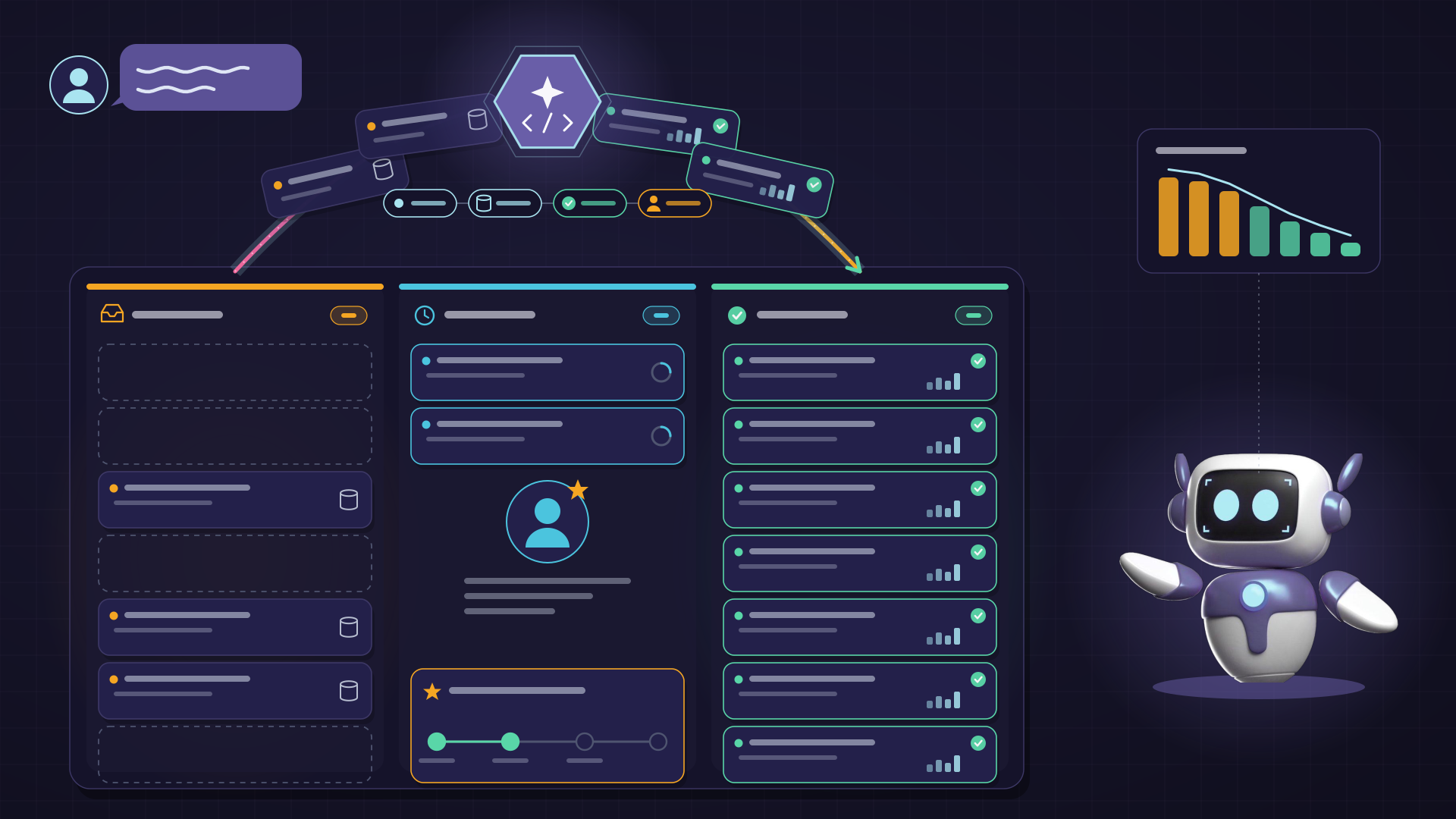
A well-built pipeline follows five steps. It detects intent (total, trend, comparison or list) and then resolves business terms (such as “active customer”) to the appropriate columns, filters and definitions. It creates SQL to the right tables, validates the query for errors and safety, and executes it. Lastly, it provides a number, table, or chart and a brief story and the question. The tools that bypass the second and fifth steps were what gave rise to text-to-SQL’s reputation for confident wrong answers.
Where Text-to-SQL for Business Users Still Goes Wrong
Models have come a long way, but benchmarks indicate how far they still have to go. With the provision of domain hints for each question, the best-performing system achieved 82.95% execution accuracy on BIRD in September 2026, which is a test that evaluates text-to-SQL performance on large, realistic databases.
Data engineers and database students score 92.96%. Enterprise conditions are harder still: on Spider 2.0, built from 632 real enterprise workflow problems, a code agent based on OpenAI’s o1-preview solved only 21.3%, against 91.2% on the original Spider benchmark.
The majority of failures are meaning errors rather than syntax errors. If the revenue is interpreted differently in finance and sales, the AI needs to understand which one is being used. An answer that leaves the “refunds” field blank or sets the wrong date field seems correct but isn’t. In the case of Salesforce, 49% of data and analytics leaders report that their businesses sometimes or often make wrong conclusions based on information that lacks business context.
The solution is a semantic layer – a business dictionary which will tell the AI what each piece of terminology means, and how the tables relate to one another. Gartner predicts that by 2030, universal semantic layers will be as important as data platforms and security. It also recommends data and analytics leaders to allocate the budget for semantic capabilities as a “non-negotiable foundation. Rollout is as important as the model: begin with one dataset well-known, establish the business terms that are the most often asked for, review a sample of queries with analysts during the pilot, and monitor the number of requests that reach self-service.
How VaultiScan Builds Trust into Every AI SQL Query
Vaulti Lake is Vaultiscan’s data layer, and it applies those lessons layer by layer. It is seamlessly connected to a business’ existing databases and operational systems without any migration or duplication. On top of that is the meaning layer, which is an agent pipeline that can interpret intent and resolve business entities without having to write any SQL. Revenue is defined in accordance with the business agreement.
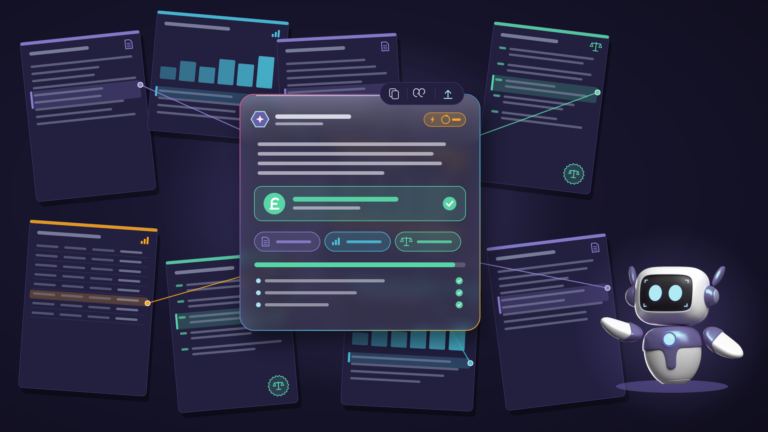
The query layer produces and executes the SQL and returns the results in a visualisation and a brief narrative. The SQL for each answer is available for opening, allowing analysts to verify the logic behind the answers, as opposed to relying on the prose. Each query is saved for later use, existing inquiries are added to a growing pool of trusted queries, and all relevant replies are pinned to the workspace as real-time charts.
Governance is present at all levels. Agents can be set up to perform specific tasks or to accept information from specific data domains, with different permission settings. The data remains in the customer’s own Azure environment and never is used to train the underlying model. There is a caveat to be stated outright: Vaulti Lake should not be rushed into—its business definitions that enable trustworthy answers must be negotiated with data owners.
The difference is easiest to see side by side.
| Comparison Point |
Ticket to the Data Team |
VaultiScan Text-to-SQL |
| Who writes the SQL |
An analyst, once the request reaches the front of the queue |
Vaulti Lake, with the query visible for review |
| Business definitions |
Held in individual analysts’ heads |
Resolved from agreed business entities before the query runs |
| Repeat questions |
Rebuilt by hand each time |
Answered from a library of saved, reusable queries |
| Access control |
Depends on who handles the request |
Permission controls set for each agent |
| Where data goes |
Often exported to spreadsheets and shared by email |
Stays inside the customer’s own Azure environment |
Related reading: How VaultiScan Turns Scattered Enterprise Data into One Searchable Knowledge Layer
Frequently Asked Questions
1. Is text-to-SQL accurate enough for business decisions?
It can be, if the AI is based on business definitions agreed and each answer displays SQL. There are still Benchmarks to catch up with to expert humans, which is why it would make sense to get started with operational data (sales or logistics) before finance reporting.
2. Does natural language to SQL replace BI dashboards?
Yes, for a lot of the questions teams formulate when building dashboards. The users say what they want in natural language and receive a chart and a short story in one conversation, rather than having to create a Power BI dashboard for each request. Business intelligence with AI adapts to whatever question comes next, and any answer worth tracking can be pinned as a live view, so the dashboard sprawl stops growing.
3. Do business users need to know SQL?
No. They ask simply in English. Even when the generated query is opened by the analyst, it is possible to view the tables, joins and filters that it selected.
Ask the Data, Skip the Queue
Text-to-SQL will not empty all the requests from a data team’s queue. It can remove the repetitive type of questions that keep analysts away from forecasting, modelling and the business moving analysis. What separates a useful tool from one that creates new clean-up work is context: agreed definitions, visible queries, and permissions that hold.
The ones that benefit the most will use self-service analytics AI as a service and not a way to bypass the data team. Definitions are made by analysts, questions by business users and the backlog begin to decrease.
Talk to VaultiScan about bringing plain-English questions to your own data.